
Core
$5.99/month
Translation, conversation help and daily coaching.
- AI translation and live conversation help
- Custom phrases with audio
- Pronunciation coaching
- 15 minutes a day with PolyGot
PolyGot is a language-learning app for Even G2 smart glasses. Translate a conversation. Find your reply. Practise with a coach in your corner.
Core $5.99/month · Pro $8.99/month after your trial. Cancel before day four to avoid a charge.
The app lives in Even Hub. This site is for discovery, account access, and billing.
Share PolyGot
PRESS PLAY
Real recordings of PolyGot on the glasses display, laid over the world the way G2 draws it: light on top of what you see, the rest clear glass.
They speak French and you see what it means. Tap to pause: three replies come back with how to say them, and the teleprompter walks you through one.
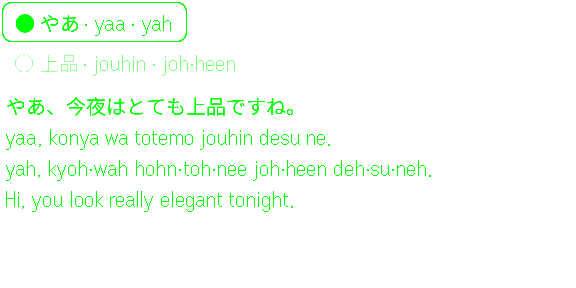
A Japanese question with its romanisation, how to say it and what it means. One tap saves it to your Library.
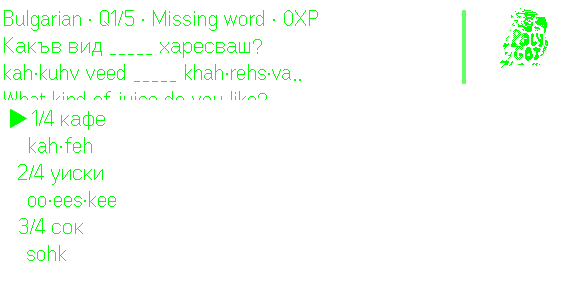
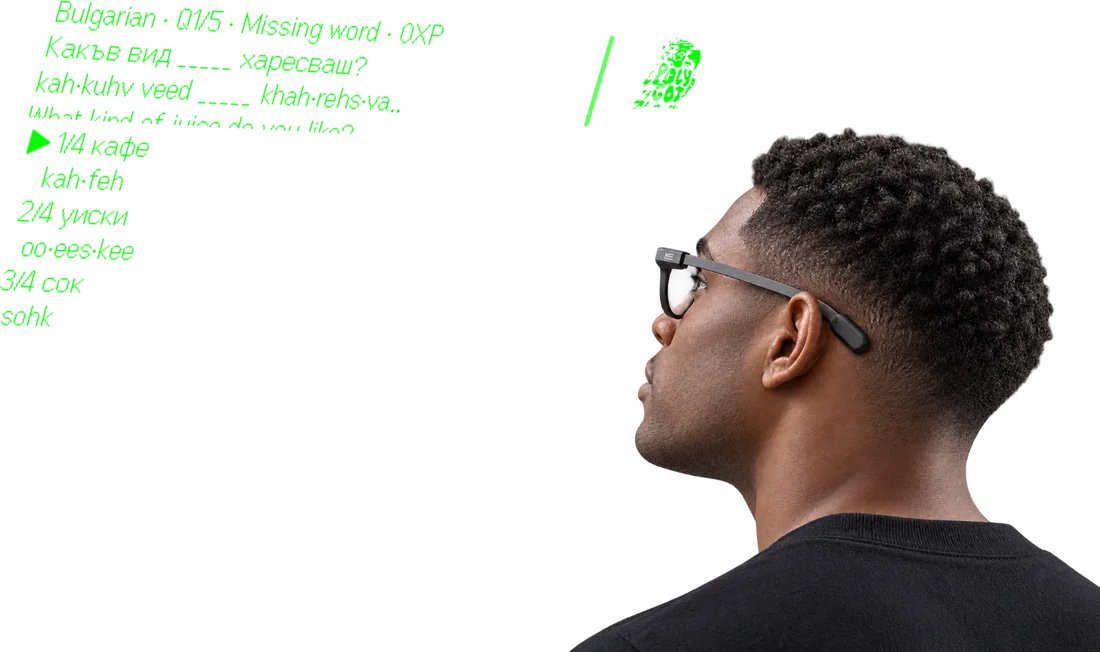
Aim at the right meaning, lock it in, then say the word out loud to score.
Season 1 in Spanish: open a season, then one big word at a time, with how to say it and what it means.
Sound added afterwards, in PolyGot's own voices.
THROUGH THE LENS
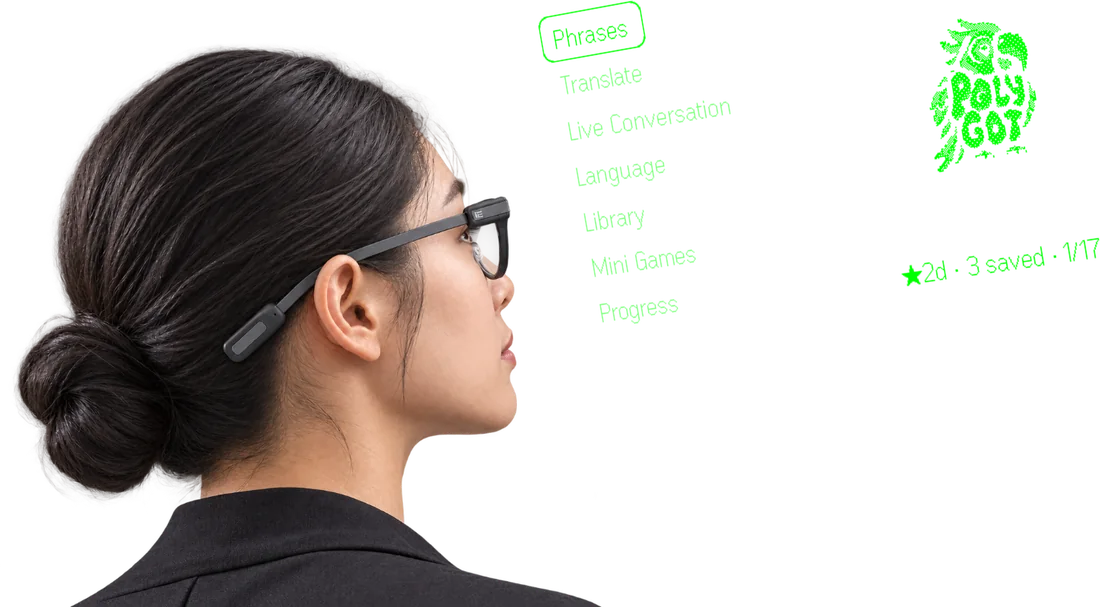
Three moments, three places. Tap any of them to see the display on its own. These are renders of the real app screens on Even G2, not photographs of a shipped device.
Straight simulator captures, at the display's own 576 × 288.
IN 3D
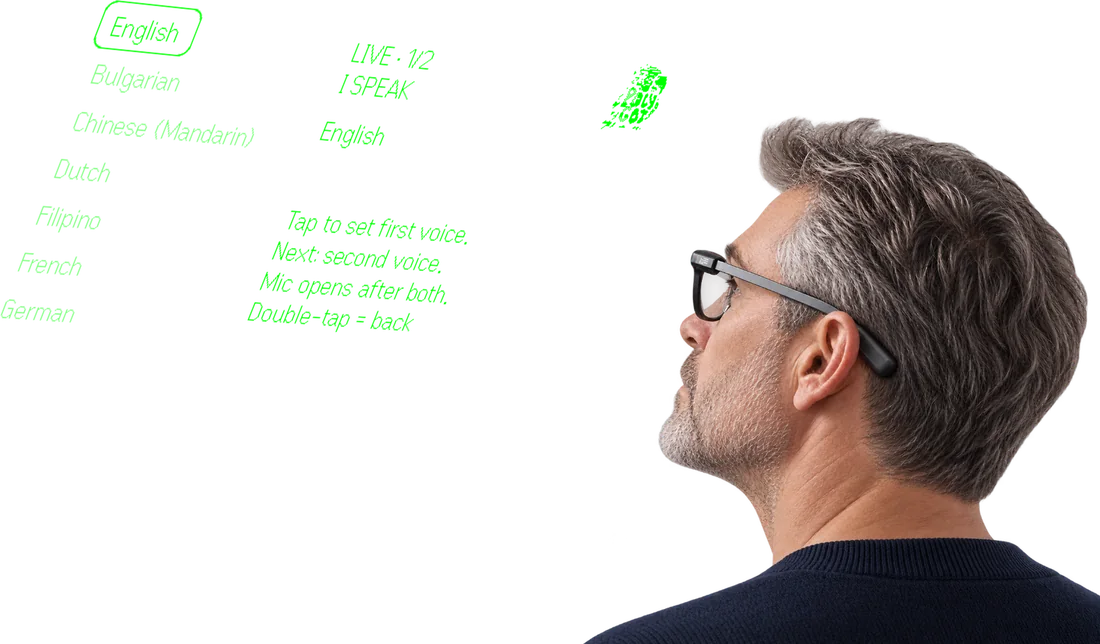
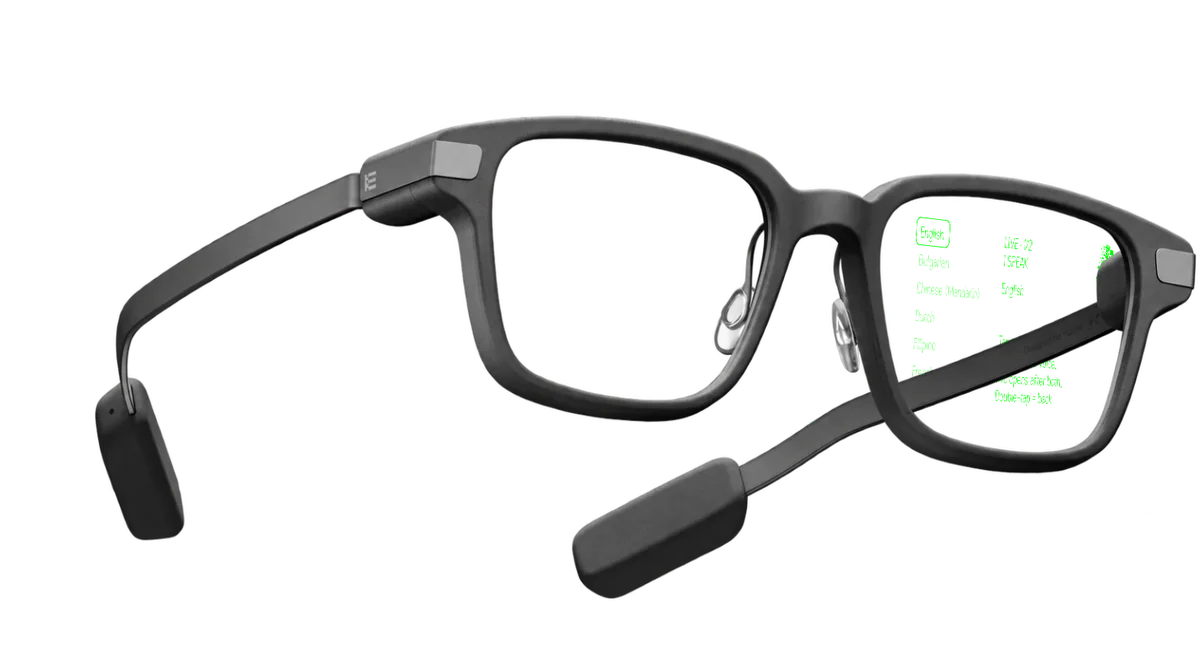
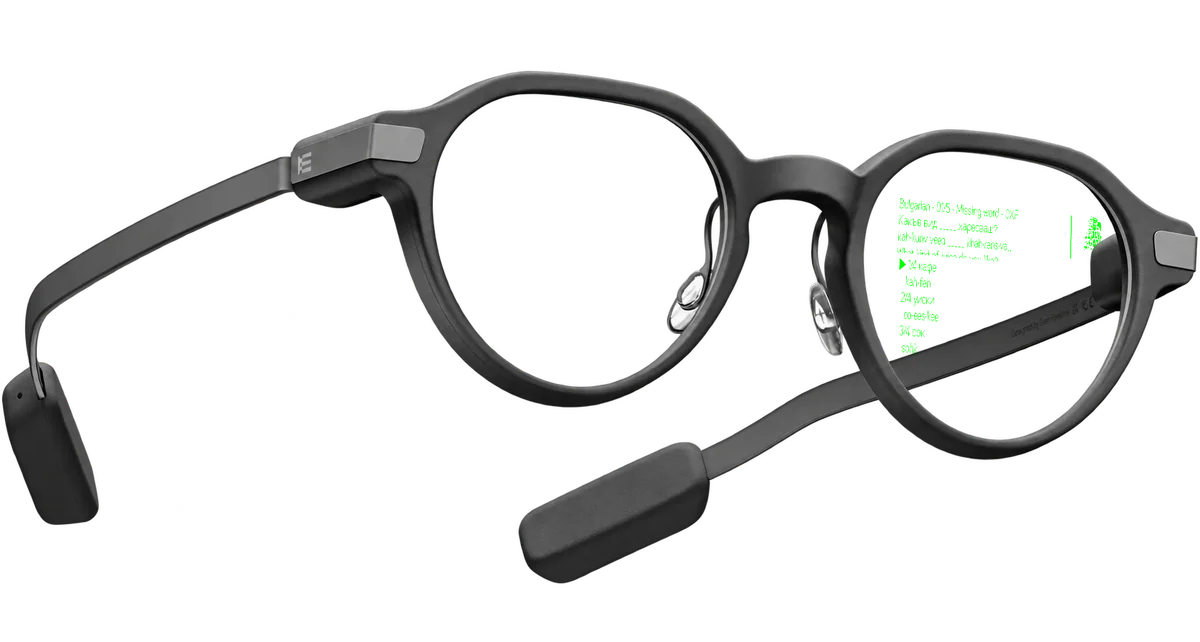
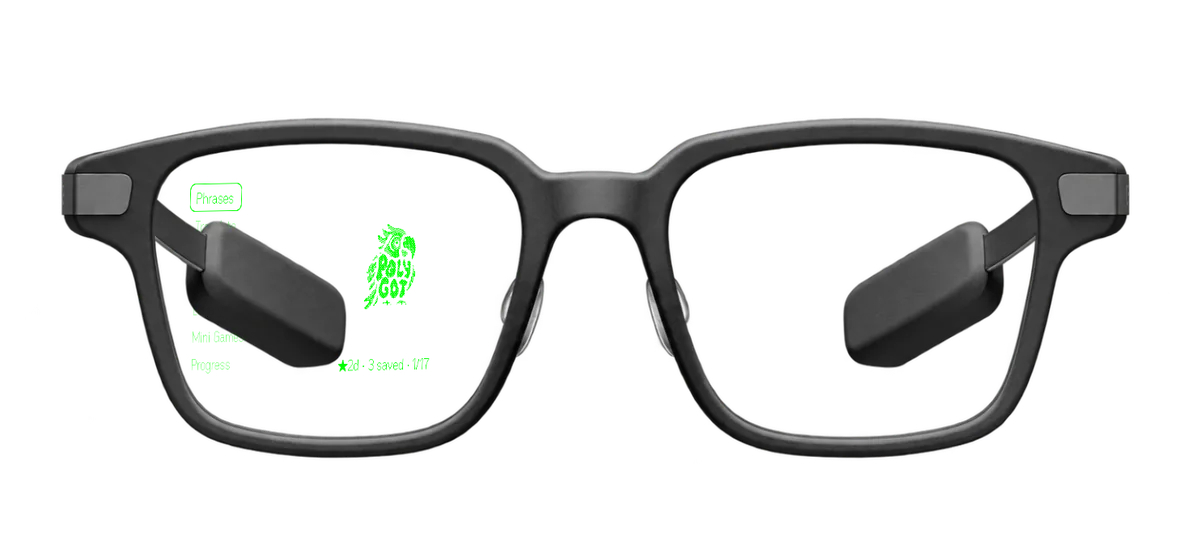
The same four screens on a 3D model of Even G2, outside and on the side you look through. It turns as you scroll; drag it round, or pick a screen. It is a model, not a photograph of the device.

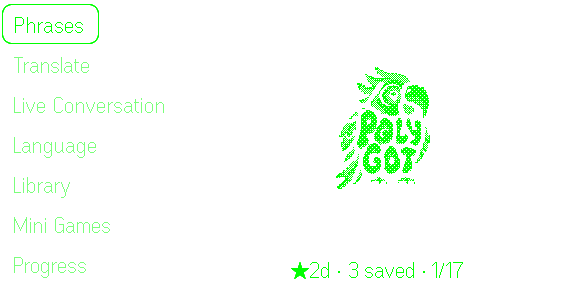
Home: phrases, translation, live conversation, practice and progress, one step away.

AN EYES-UP WAY TO LEARN
A language tool should make real life feel bigger, not pull you out of it. PolyGot is designed around brief, readable cues on Even G2—so you can keep looking at the person in front of you.
WORN, NOT HELD
Everything here sits in the top of your view and gets out of the way. No phone to raise, no tab to find, nothing between you and the person talking.
WHAT YOU CAN DO
From a phrase you need today to a skill you want to keep tomorrow.
Describe your situation by voice or text. Moments puts a ready-to-speak phrase on your glasses, with meaning, pronunciation help, and a follow-up when plans change.
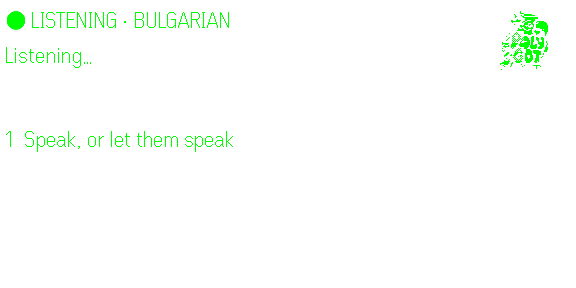
Turn on listening to see their words and your translation together. Revisit recent lines, then reply in your own language and see how to say it in theirs. Silent text, optional playback.
Explore everyday scenarios, save the phrases that matter, and return to their meaning and sounds later.
Short games and progress cues help turn a phrase you recognize into one you can actually use.
LANGUAGES
Speak in one, read the other. Translate, Live Conversation and Practice work in every language below; three more are on the phone until the G2 font can draw them.
Every one of these renders on the Even G2 display, with romanization and mouth cues where the script needs them.
English is the language you speak by default, and can be a target too. Choose any pair.
The glasses font has no Arabic, Devanagari or Thai script yet, so these run on the companion screen. They move to the lens the day the firmware can draw them.
ONLY IN EVEN HUB
PolyGot runs inside the Even Realities app and on compatible Even G2 glasses. This website lets you explore the experience and sign in to your account, but it does not run the app.
Built forEven RealitiesAvailable on Even Hub
Or search for PolyGot in Even Hub. New to it? How to find apps in Even Hub.
Use the app paired with your Even G2 glasses.
Search for PolyGot, or open your beta invitation.
Launch from Even Hub and bring the experience into view.
YOUR WINGMAN FOR WORDS
MEET PolyGot
A little character. A lot of encouragement. The parrot reacts as you explore, listen, answer and learn, adding a little warmth to every small win.
YOUR ACCOUNT
Link your glasses, choose your language, and keep your plan in one place.

PolyGot ACCOUNT
Create an account with your email or Google. A payment method is required at checkout to start your trial.
Already registered? Sign in with email
Checking sign-in availability…
Premium starts at checkout: three days free, then billing begins unless you cancel.
Start 3 days freePolyGot talks to you in this language on your phone and glasses. You can change it any time in the app’s Settings.
Speech Tokens pay for extra Talk to PolyGot time and coach grades after your plan’s daily allowance. They’re only spent after you confirm or turn on auto-spend, and they never expire. An active Core or Pro plan is required to buy and spend; your balance stays when your plan lapses.
Account sign-in does not launch the glasses app here. By signing in you agree to the Terms and the Privacy Policy.


SAY HELLO
Tell me what worked, what didn’t, or what you’d like to build together. Every email gets read.


